
One link, no login
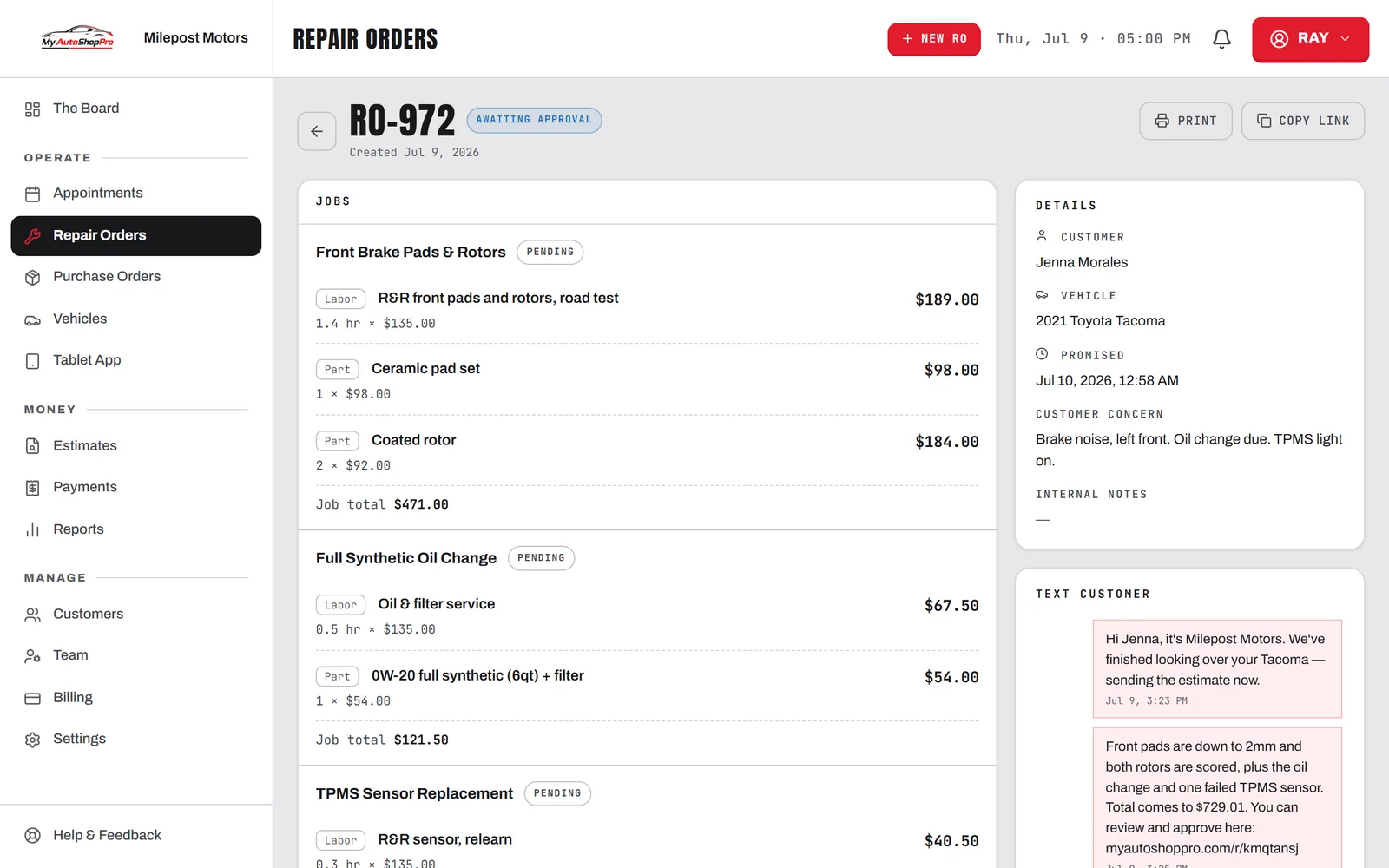
Text or email the estimate and it opens on any phone. There's no app to install, no account to make, and no password the customer will forget at the worst possible moment.
Customer Approval
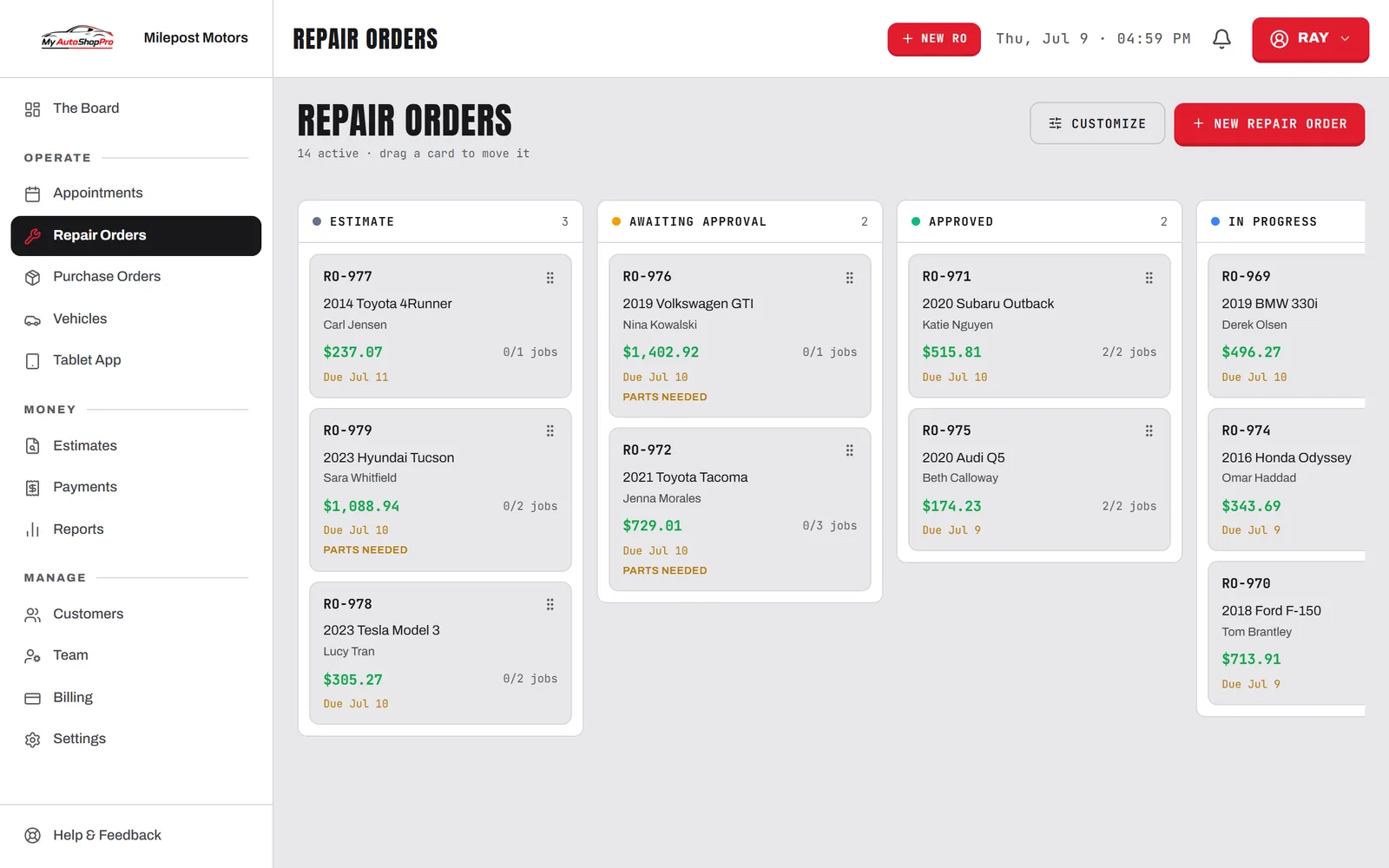
Send the repair order, the customer taps approve, and you're cleared to start. It comes back signed, time-stamped, and on your board before you'd have put the phone down, because you never picked it up.
Free plan · No card needed · Cancel anytime
Why it closes more work
Cars sit in the bay waiting on a callback that never comes. A link they can answer at a red light gets you an answer in minutes.
Text or email the estimate and it opens on any phone. There's no app to install, no account to make, and no password the customer will forget at the worst possible moment.
0apps
for the customer to install. The link opens in whatever browser their phone already has.
Tech photos ride along with the job they belong to, full-screen on tap. Showing a worn pad closes more work than describing one.
The customer signs on the glass. The signature, the name, the amount authorized, and the moment it happened are stored on the order.
Add the new work and send the same link again. It re-opens for the new jobs only, and whatever was already authorized stays locked.
Every job on the order gets its own approve or decline. The customer takes the brakes and passes on the filter, and the authorized total follows along as they go.
Once the work is done and invoiced, that same link becomes the payment page. They pay by card and get the receipt without ever coming to the counter to settle up.
Signed by M. Rivera · 9:41a
The customer's view. The declined line drops out of the total, and out of the work.
Start to finish
Write the estimate and hit send. The customer gets a text with a link and an email with the same one, and neither needs a password.
They read the jobs, look at the photos, approve what they want, and sign. Your board updates the second they do.
The shop gets a notification with the approved jobs and the authorized total, so you know exactly what you're cleared to touch.
Declined work is saved against the vehicle, waiting to be recalled onto the next order months from now.
Send a tap-to-approve estimate this week and stop losing bay hours to callbacks that never come. Refundable for 30 days.