
Photos from the bay
Techs grade each item green, yellow, or red on the tablet and attach photos as they go. No paper sheet to transcribe and nothing that depends on remembering what the car looked like an hour ago.
Digital Vehicle Inspections
Show them the problem, not just the invoice. Your techs photograph what they find, the customer sees it on their phone, and approved work lands on the estimate by itself. Customers say yes to what they can see.
Free plan · No card needed · Cancel anytime
Inspect it, send it, sell it
A photo of a worn brake pad closes more work than any phone call. Capture it once and let the report do the talking.
Techs grade each item green, yellow, or red on the tablet and attach photos as they go. No paper sheet to transcribe and nothing that depends on remembering what the car looked like an hour ago.
0apps
for the customer to install. The report opens as a link on whatever phone they already have.
Build your own checklists in settings, whether that's a quick courtesy check, a full 50-point, or something in between.
The finished report goes out as a link. Customers see the photos and grades on their phone without signing in anywhere.
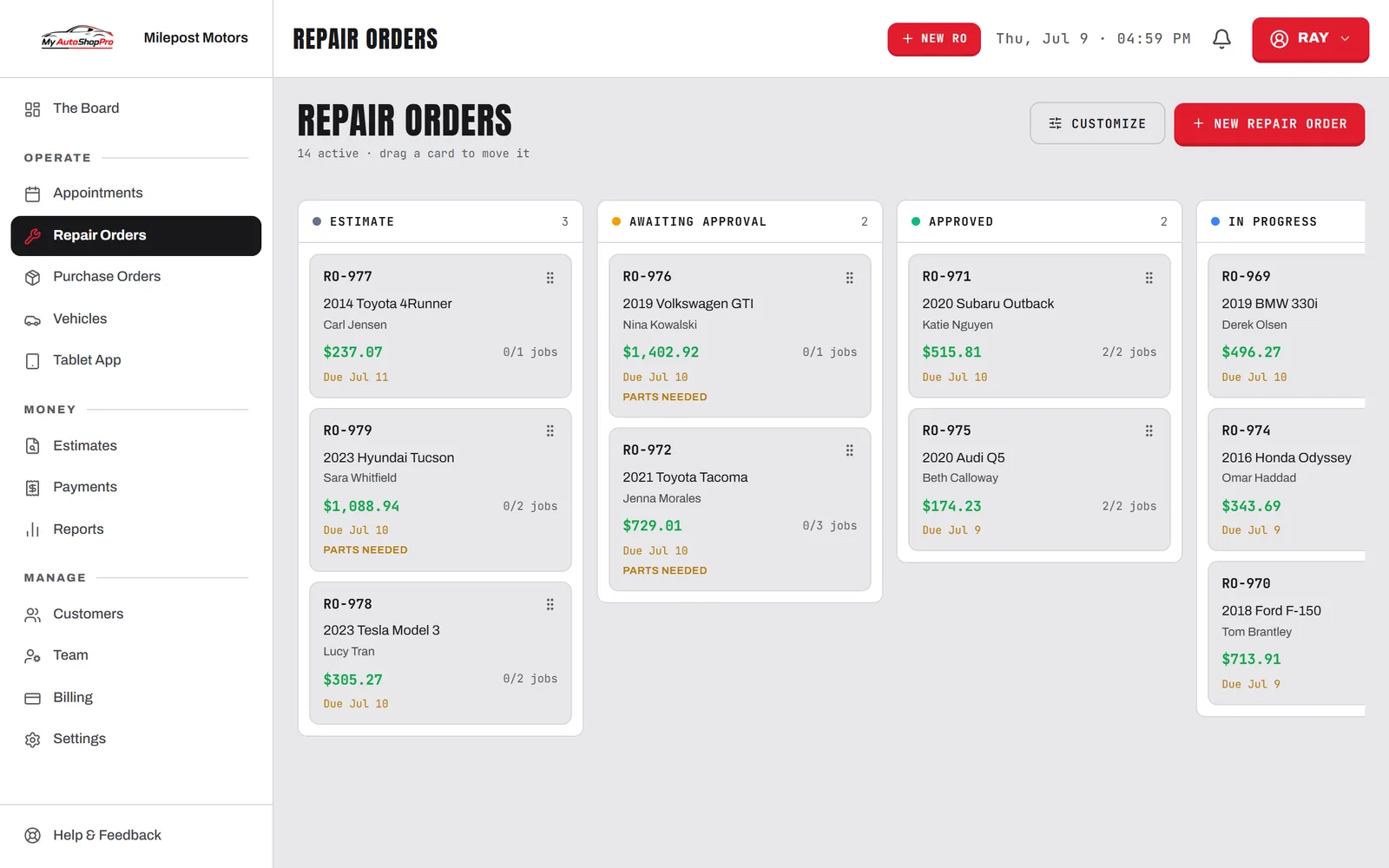
Every inspection lives on the RO with the rest of the job, and the history stays there visit after visit.
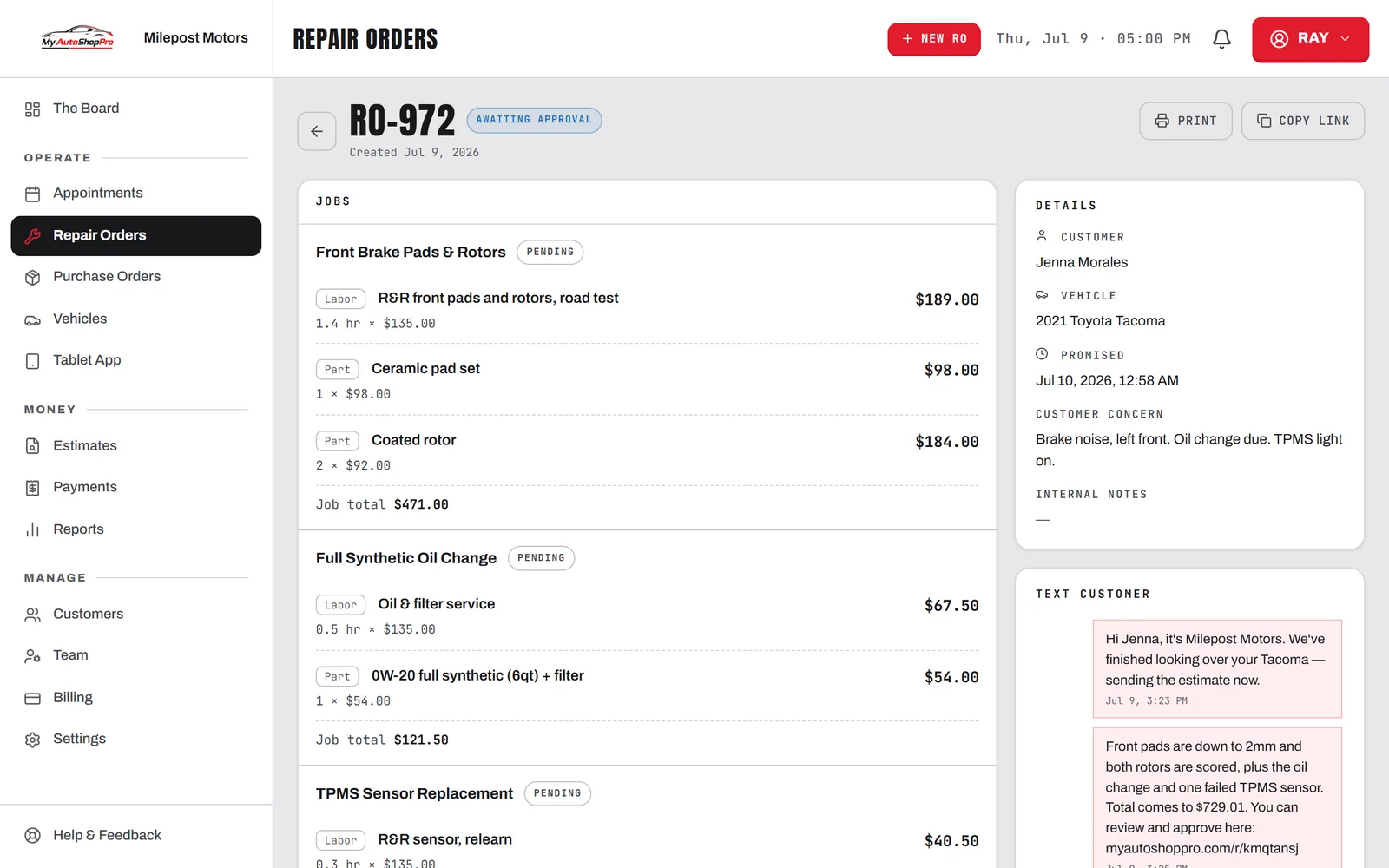
Customers tap approve or decline on each recommended service, and you see the answer the moment they give it.
Approved items convert straight into estimate lines with no re-entry, so nothing they said yes to gets forgotten between the bay and the counter.
Inspection
2021 Honda CR-V · Sarah Mitchell · RO-1207
Front brake pads
3mm remaining — replace soon
Engine oil & filter
Dark, due for service
Tires — tread depth
6/32" all around, wearing evenly
Battery & terminals
12.6V, terminals clean
Cabin air filter
Debris buildup, recommend replace
Suspension & steering
No play, boots intact
Coolant condition
Checking now…
Green, yellow, and red, with photos on each. The customer approves from their phone.
New to digital inspections? Read our complete guide to digital vehicle inspections.
A paper multi-point sheet does one job: it tells the service writer what the technician found. It can't show the customer anything. By the time the writer is on the phone explaining that the rear brakes are at three millimetres, the customer is being asked to spend several hundred dollars on the word of someone they can't see, about a car they can't look at. Plenty of them say no, and a fair number of those go get a second opinion somewhere else.
Digital vehicle inspection software changes that conversation by putting the evidence in the customer's hand. They see the photo of their own worn pad next to the price of the job. Shops that make the switch consistently report higher average repair orders, not because they sell harder, but because declining is harder when the problem is visible. It also gives you documentation: if a customer declines a red-flagged item and something fails later, the recommendation and the photo are both on the record.
The inspection is captured where the work happens, on whatever tablet is already in the bay. There is no proprietary hardware to buy and nothing to install from a store: the vehicle inspection app runs in the browser, and technicians add it to the home screen so it opens like any other app.
Techs sign in with a four-digit PIN rather than an email and password, because nobody is typing a full login on a greasy screen twelve times a shift. The VIN scanner uses the tablet camera, so a new vehicle is decoded from the windshield instead of keyed in. Photos come off the same camera and attach to the specific inspection item.
The bay is also where connectivity is worst. When the tablet drops off the shop Wi-Fi, the digital vehicle inspection app keeps accepting grades and photos and queues them locally, then syncs when the signal returns. A tech should never lose twenty minutes of inspection work to a dead spot near the lift.
Most car inspection software is priced for a chain. It arrives as a module with its own line on the invoice, or it is reserved for the tier above the one an independent shop can justify, so the two-bay shop that would benefit most from photo inspections is the one that ends up without them.
Inspections are included on every paid MyAutoShopPro plan, from the entry tier, with no add-on fee and no per-technician charge. That is a deliberate position rather than a promotion: a DVI only pays off when every technician runs one on every car, and per-seat pricing is precisely what stops that from happening.
The honest case for paper is that it is fast, it costs nothing, and no technician needs training to use it. Those are real advantages and it is worth being clear about what you give up in exchange for what you gain.
What paper cannot do is travel. The sheet stays in the shop. It reaches the customer only as a description over the phone, filtered through the service writer's memory and delivered while the customer is at work and distracted. Digital inspection software sends the actual evidence to their phone, where they can look at their own worn pad next to the price and decide without being rushed.
Paper also cannot be searched. A declined recommendation on a sheet from last October is in a filing cabinet, which means in practice it is gone. Held digitally, it surfaces automatically the next time that vehicle is on the lot, and declined work with a photo attached is far easier to sell the second time.
The trade is a few minutes per inspection while technicians build the habit. Shops that push through the first fortnight generally do not go back.
Standalone inspection apps create a second system to run. The tech fills out the inspection in one place, then somebody retypes the approved work into the estimate in another. MyAutoShopPro keeps inspections on the repair order itself, so approved items become estimate lines automatically, the customer thread lives in two-way texting, and the whole inspection history stays attached to the vehicle's service record. Technicians work from the tablet app in the bay.
Inspections are included on every paid MyAutoShopPro plan rather than sold as a module or locked to a top tier. If you're comparing options, see how we stack up against Shop-Ware, Tekmetric, and Shopmonkey.
FAQ
A digital vehicle inspection (DVI) replaces the paper inspection sheet with a tablet checklist. Technicians grade each item green, yellow, or red and attach photos or video of what they find. The finished report is sent to the customer as a link they open on their phone, where they can see the evidence and approve or decline each recommended service. Shops adopt DVIs because a photo of a worn brake pad sells the repair far better than a phone call describing it.
With MyAutoShopPro, digital vehicle inspections are included on every paid plan at no extra cost, starting at the Starter tier. Many shop management systems either charge for DVI as an add-on module or reserve it for their higher tiers, so it pays to check whether the price you're quoted includes inspections. Our pricing is published on the pricing page, and every paid plan is covered by a 30-day money-back guarantee.
No. The inspection report is a web link delivered by text or email. It opens in whatever browser the customer already has on their phone. There is no app to install, no password to create, and no account to sign into, which is the single biggest reason approval rates go up.
Yes. You create your own checklists in settings, with your own categories and line items. Most shops run a few: a quick courtesy check for routine visits, a full multi-point inspection for new customers or pre-purchase checks, and sometimes a specialty sheet for brakes or diagnostics. You can have as many templates as you need and pick the right one when you start an inspection.
It does, and this is the part that saves the most time. Every inspection lives on the repair order alongside the rest of the job. When a customer approves recommended work, those items convert straight into estimate lines with their pricing, so nobody retypes anything and no approved upsell gets forgotten. The inspection history stays on the vehicle visit after visit.
Yes. The technician app runs in the browser on any modern tablet or phone, iPad or Android, so you don't buy proprietary hardware. Technicians sign in with a PIN rather than a full login, and it's installable to the home screen like an app. Photos upload from the device camera, and there's a VIN scanner built in.
The declined item stays on the vehicle's record as a documented recommendation, which protects you and gives you something to follow up on. On the next visit the carryover recall surfaces what was previously declined, so your writer can bring it up again while the car is already on the lot. Declined work that's documented with a photo is much easier to sell the second time.
Related
How it works
A repair order gets an inspection from whichever template fits: a courtesy check on an oil change, a full 50-point on a new customer. The tech works down the list in the bay.
Green means good, yellow means monitor, red means needs attention now. Photos attach to the item itself, so a worn pad or a leaking axle seal is on the record, not just described from memory.
The customer gets a link. It opens on their phone with no app to install and no account to create, showing your photos and grades next to the recommended work and the price.
The customer picks what they want done. You see each answer the moment it lands, and approved items drop onto the estimate as lines with no re-entry.
Photo inspections, online approval, and automatic estimate lines. Build your first checklist and run it this afternoon — refundable for 30 days.