Real profit per repair order
Built-in P&L reporting shows gross profit on every job, labor and parts both, so you know what's actually making money instead of what's just busy.
Accounting
Automotive accounting that runs off the work you already do. Paid invoices sync to QuickBooks Online, and built-in P&L reporting shows real profit on every repair order. You won't touch a spreadsheet or re-key a number.
Free plan · No card needed · Cancel anytime
Numbers that keep themselves
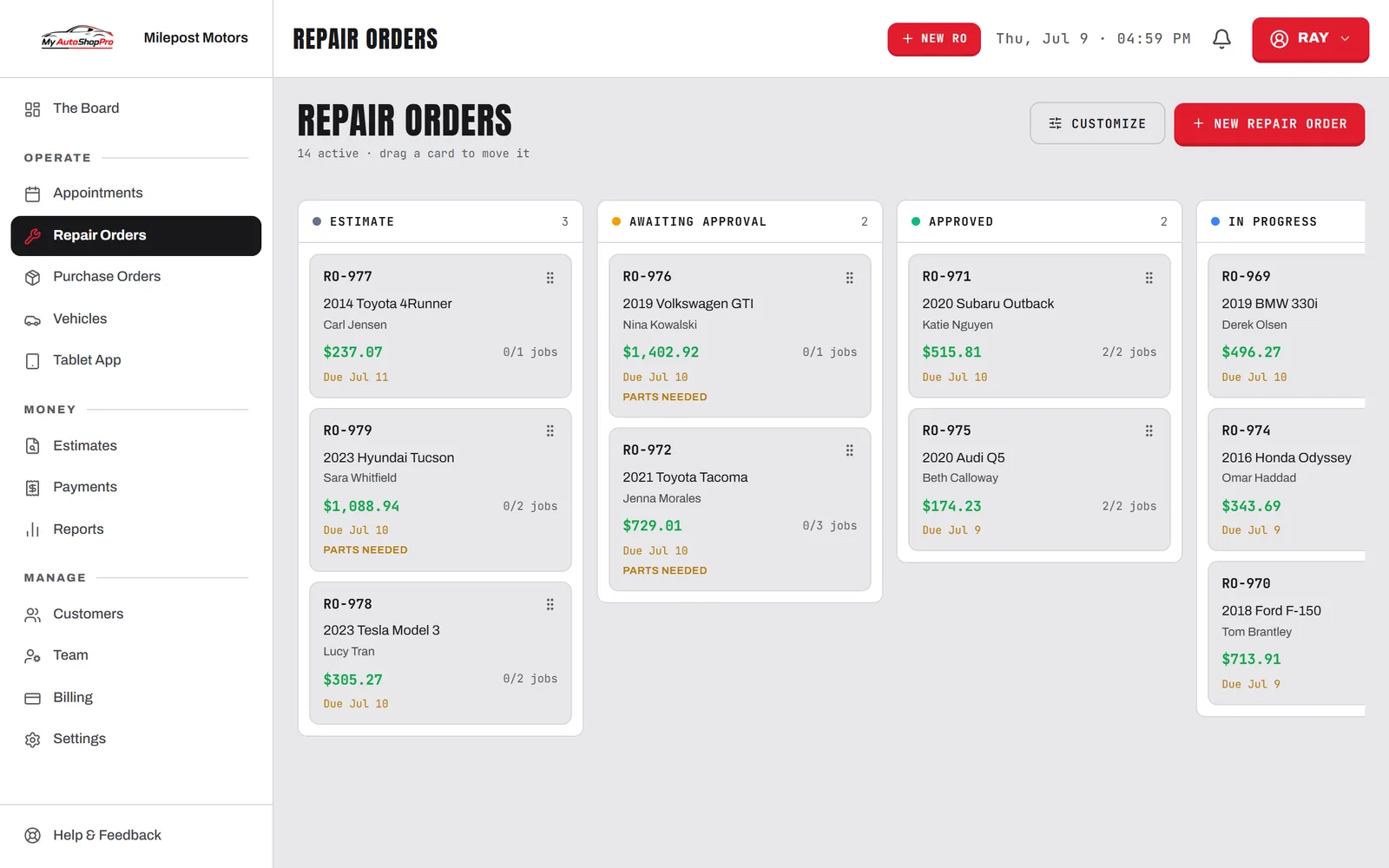
Automotive accounting software should pull from the shop, not add work to it. Enter the job once and let the books follow.
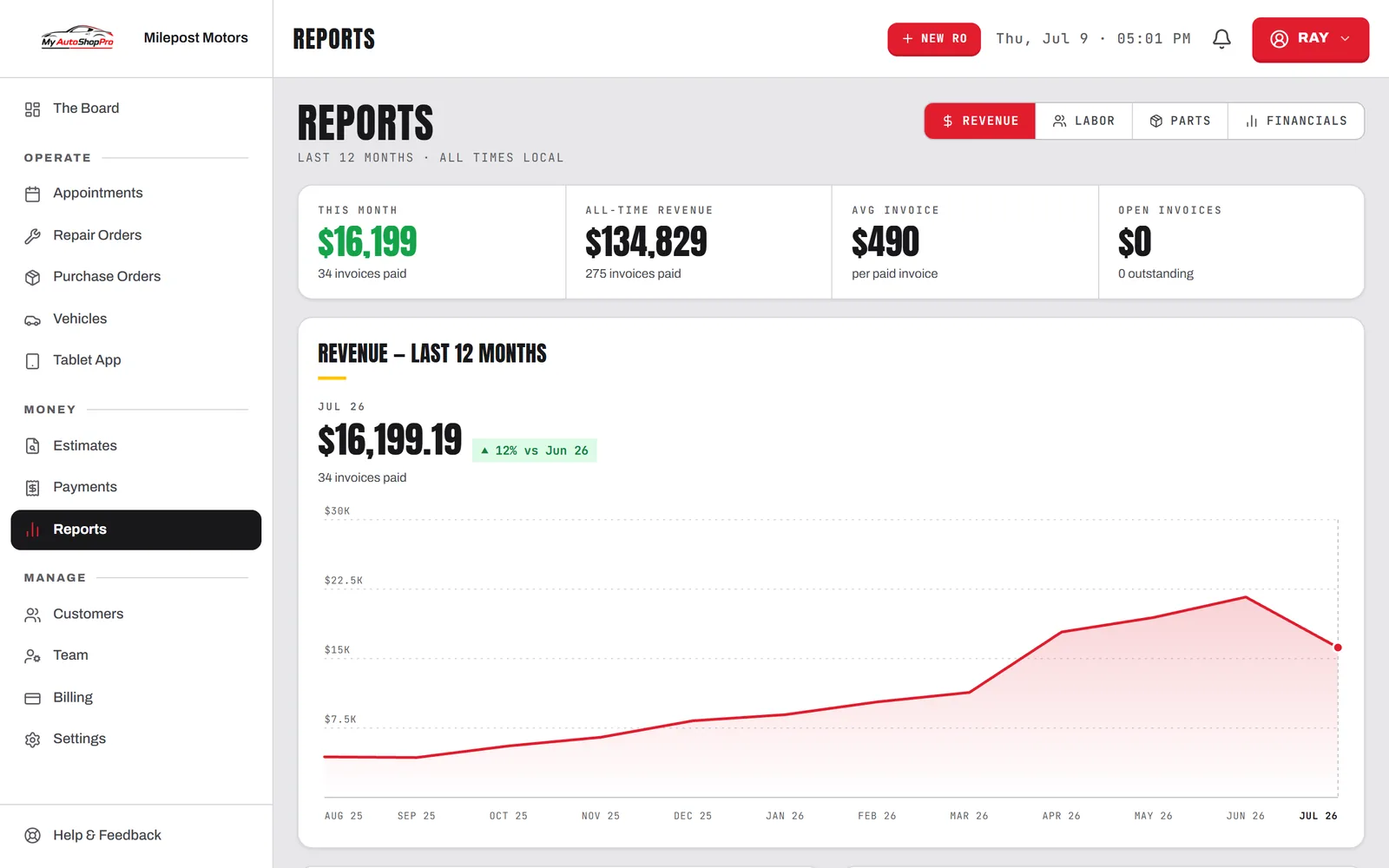
Built-in P&L reporting shows gross profit on every job, labor and parts both, so you know what's actually making money instead of what's just busy.
0entries
typed twice — the books read from the same repair order the whole shop already works in.
Sales, payments, and taxes are captured on each RO, ready to hand your bookkeeper clean numbers.
Collected tax is tracked per invoice, so filing isn't a scramble through paper tickets.
Give your accountant read-ready reports and a QuickBooks file that already balances.
On Business, paid invoices flow straight into QuickBooks as sales receipts. No exporting spreadsheets, no manual entry at month-end.
The P&L tab breaks the period down by labor and parts, so a busy month that didn't pay shows up as what it was.
Job to ledger
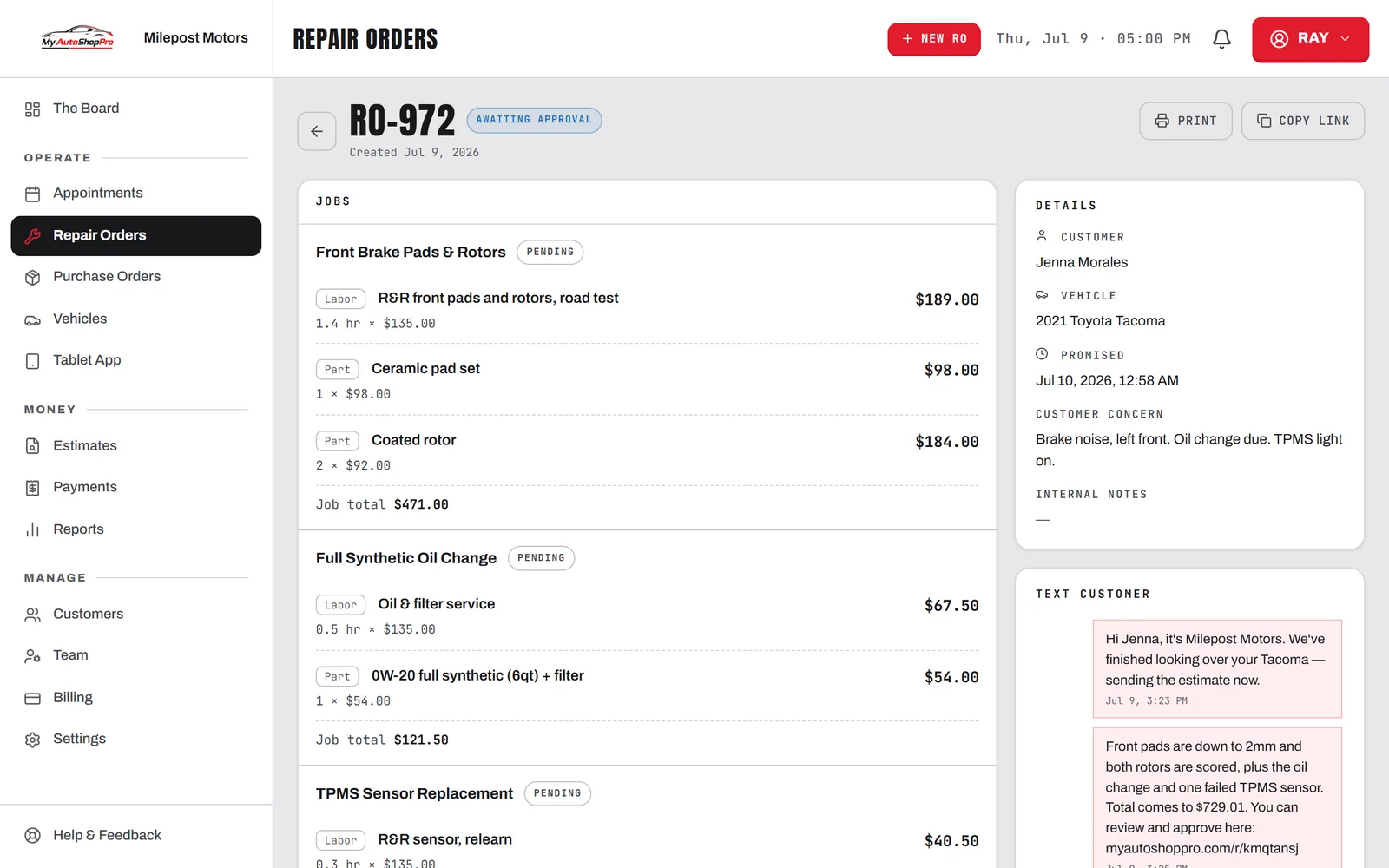
The repair order carries the services, parts, labor, and tax. Everything downstream reads from it instead of being typed again.
Card, cash, or check, the payment posts against the invoice with a timestamp and the amount collected.
Paid work syncs as a sales receipt with the right totals and tax. Unpaid work stays out of the books until the money is actually in.
The P&L shows gross profit for the period on labor and parts, so you close the month knowing what the shop actually earned.
Sync to QuickBooks, see real profit per job, and hand your accountant numbers that already balance.