
Stripe payments · all plans
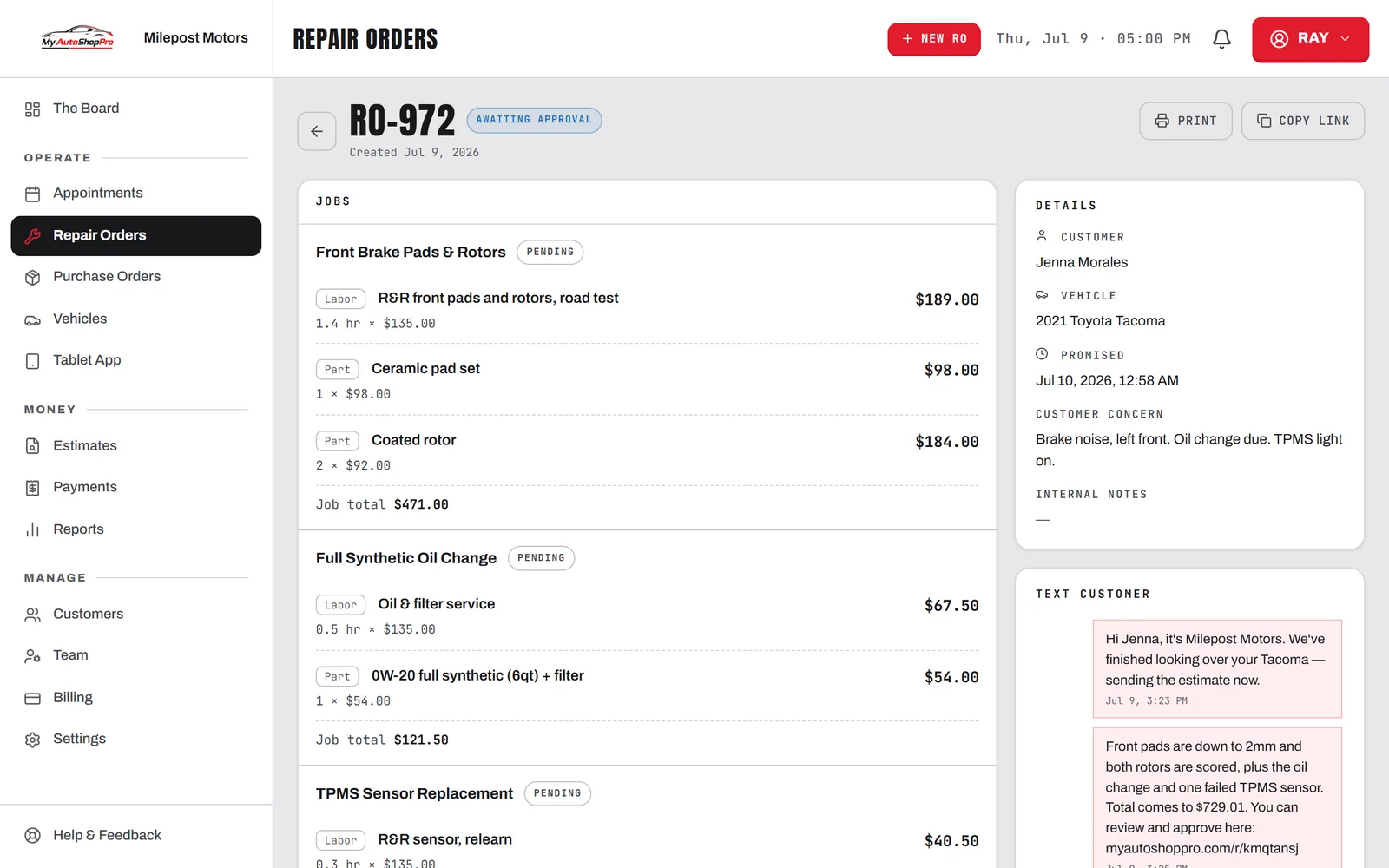
Connect a Stripe Express account in about five minutes and Stripe handles the KYC. Take card payments on invoices, send a pay-by-text link, and issue refunds without leaving the repair order.
Integrations
Take payments, push the numbers where they belong, and wire in the apps you already run. No middleware, no CSV shuffle, no third-party sync tool to pay for.
Free plan · No card needed · Cancel anytime
What connects
We build and maintain all of it ourselves, so none of it is a marketplace listing that breaks the week after you set it up.
Connect a Stripe Express account in about five minutes and Stripe handles the KYC. Take card payments on invoices, send a pay-by-text link, and issue refunds without leaving the repair order.
6live
integrations we build and maintain ourselves, so there's no middleware bill and nobody else's outage to explain.
Pair a WisePOS E or S700 and hit "Charge on reader" from the dashboard. Tap, chip, and swipe land on the same order as everything else.
Appointments push to your shop calendar as they're booked, rescheduled, and cancelled. The sync only goes one way, so we never read your calendar back.
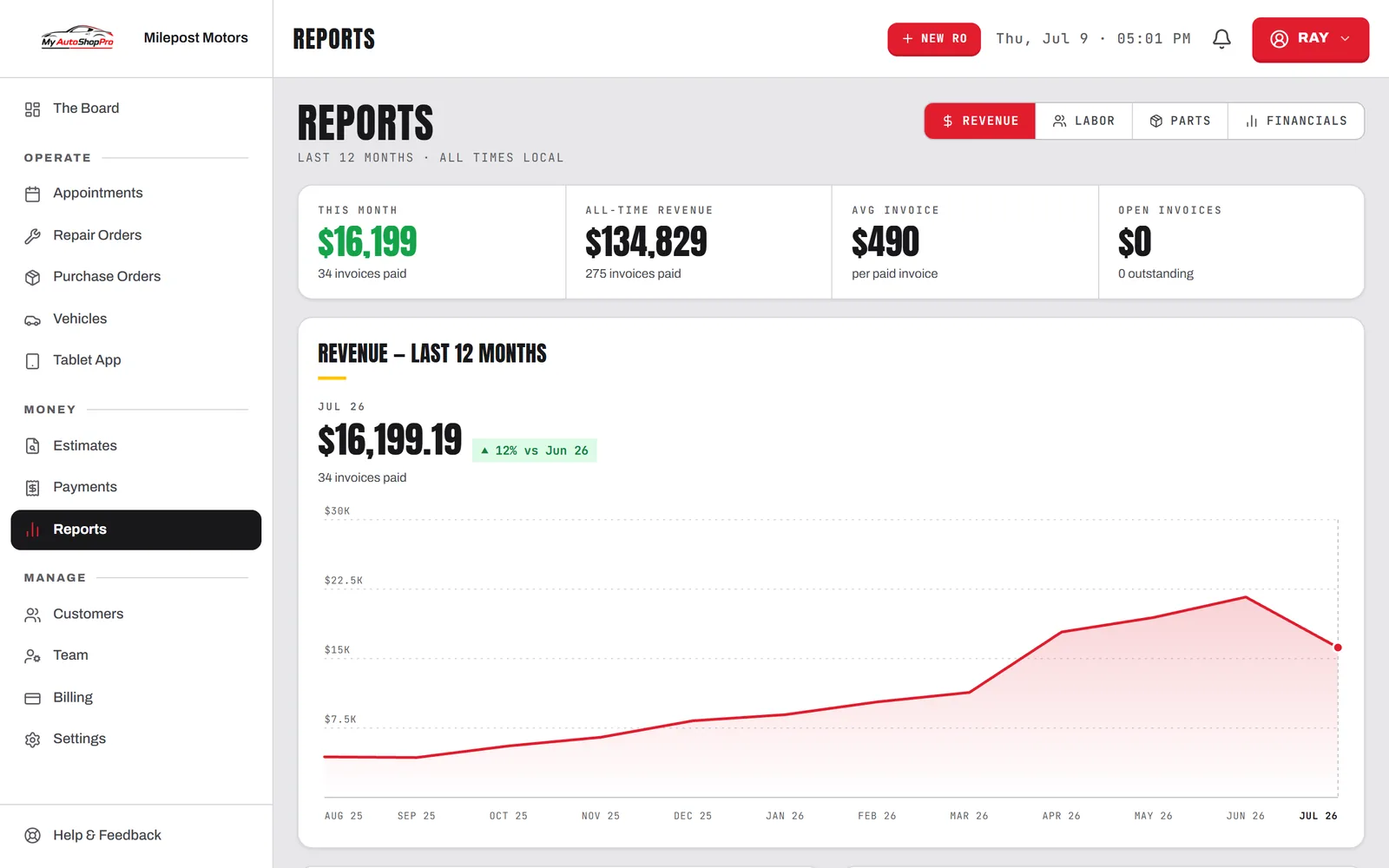
Connect your QBO company once. Paid repair orders sync as Sales Receipts, once and never duplicated, with a deep link back to the receipt.
Fire a signed JSON POST to Slack, Zapier, or your own endpoint on eight shop events. Every payload is HMAC-SHA256 signed, HTTPS-only, and the last delivery status is recorded per endpoint.
Issue an ap_live_ key, hashed at rest and shown once, then build against the v1 endpoints for customers, vehicles, services, availability, appointments and repair-order status. Full reference at /api-docs.
Connect once in Settings. Every integration is per-shop and revocable in one click.
Webhook events
Subscribe an endpoint to any of these and the payload arrives signed, with a ready-to-render text field so a raw Slack webhook works with zero config.
Private URLs are rejected outright. It's HTTPS only, with no localhost or internal IP targets.
Connect and forget
Stripe on every plan, Google Calendar from Pro, QuickBooks, webhooks, and the API on Business. Nothing is a paid add-on on top of that.
Each connection is an OAuth handshake or a pairing code from settings. No middleware account, no connector to install on a back-office PC.
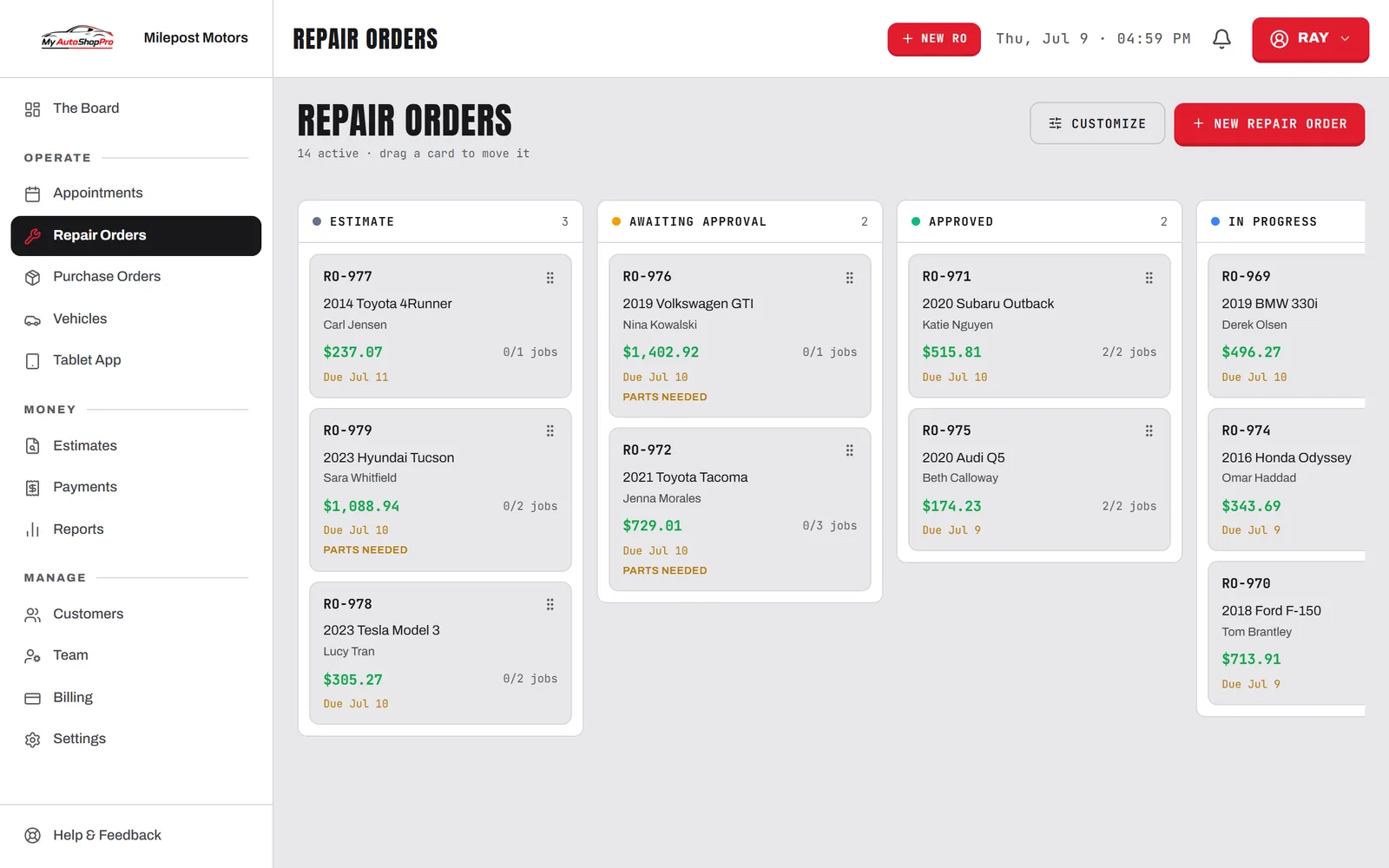
Payments post, receipts sync, appointments push, and webhooks fire off real shop events as they happen. Nobody has to trigger anything.
Delivery status is recorded per endpoint and connections can be revoked from the same screen you made them on.
Connect Stripe, QuickBooks, and your calendar, and watch the double entry disappear. Refundable for 30 days.