Connect once with OAuth
Authorize your QuickBooks Online company from settings and you're done. No file exports, no web connector, no accountant sitting in your shop for a day.
QuickBooks integration
Connect QuickBooks Online once and stop re-typing invoices. Paid repair orders post themselves as sales receipts, with the right totals and the right tax, while you get on with the cars.
Free plan · No card needed · Cancel anytime
Books that keep up
The bookkeeping most shops dread is mostly re-entry. Connect the two systems and that work disappears.
Authorize your QuickBooks Online company from settings and you're done. No file exports, no web connector, no accountant sitting in your shop for a day.
0entries
typed twice. Write the repair order once and the books read from that same job.
The sync happens in the background as jobs get paid. Nothing to remember at month-end and nothing to reconcile by hand.
Disconnect at any time from settings. We only write the records you'd have entered yourself, and tokens are stored per shop.
Each location connects its own QuickBooks company, so the books stay separated the way your accountant expects.
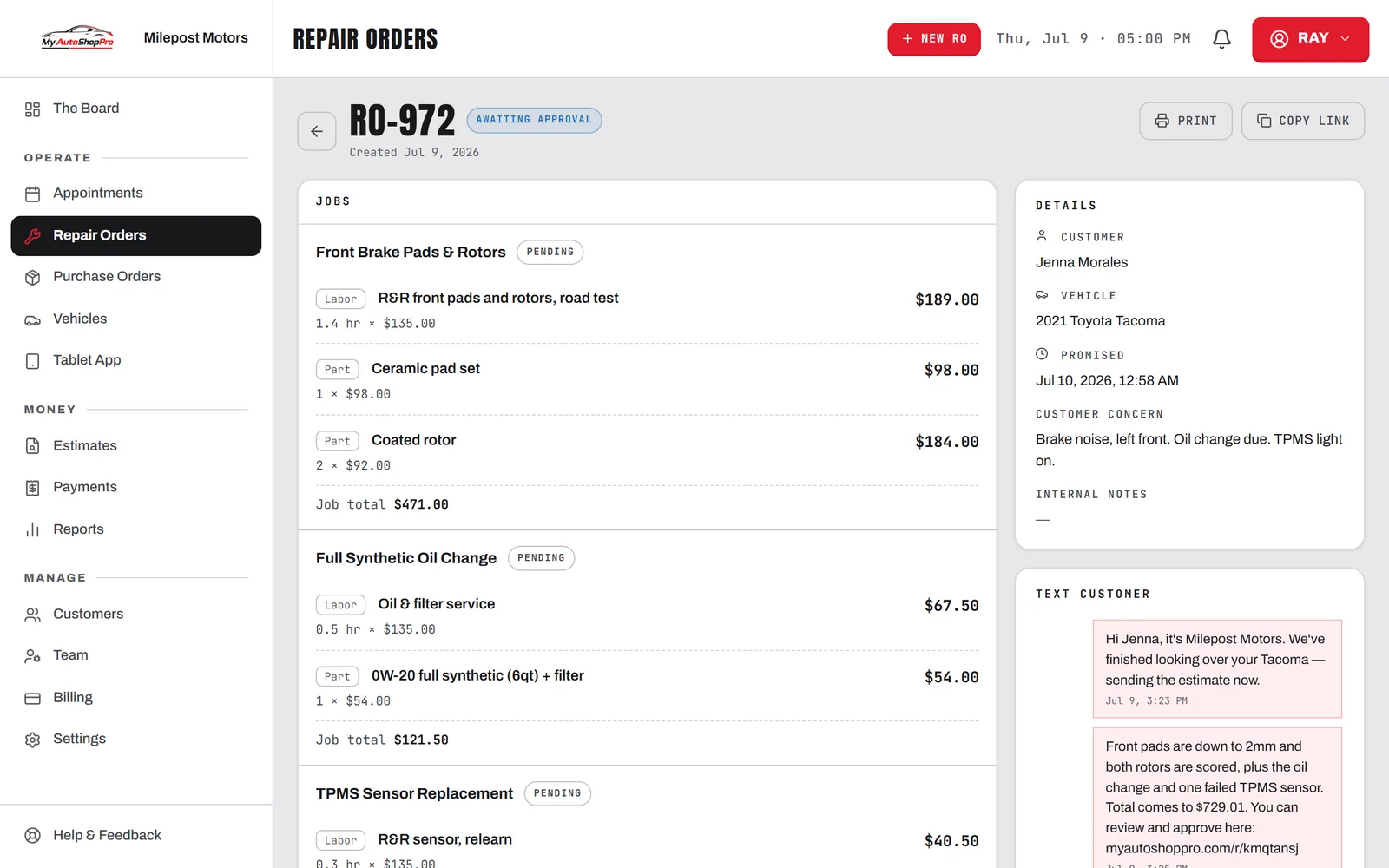
A paid repair order posts to QuickBooks with the right totals and tax. Unpaid work stays out of your books until the money actually lands.
The shop side and the books read from the same job instead of being typed into two systems that slowly stop agreeing.
Almost every independent repair shop already keeps its books in QuickBooks, and almost none of them want to move. So when a shop shops for management software, the real question isn't whether the software has its own accounting module — it's whether the thing will feed QuickBooks without somebody spending an evening a month retyping invoices into it.
That re-entry is where the errors come from, too. A number typed twice is a number that can disagree with itself, and when the shop's totals and the books' totals drift apart, you find out at tax time. Posting straight from the paid repair order removes the opportunity to get it wrong.
You connect your QuickBooks Online company from settings using Intuit's standard OAuth flow, the same way any approved QuickBooks app connects. From then on, when a repair order is marked paid, MyAutoShopPro posts it to QuickBooks as a sales receipt carrying its totals and collected sales tax. Open and unpaid work is deliberately left alone, so your books reflect money you've actually collected. The sync is one way: nothing in QuickBooks reaches back and edits your repair orders.
Shops running more than one location connect each store to its own QuickBooks company, which keeps the reporting clean per shop. The multi-location tools cover how the rest of that separation works.
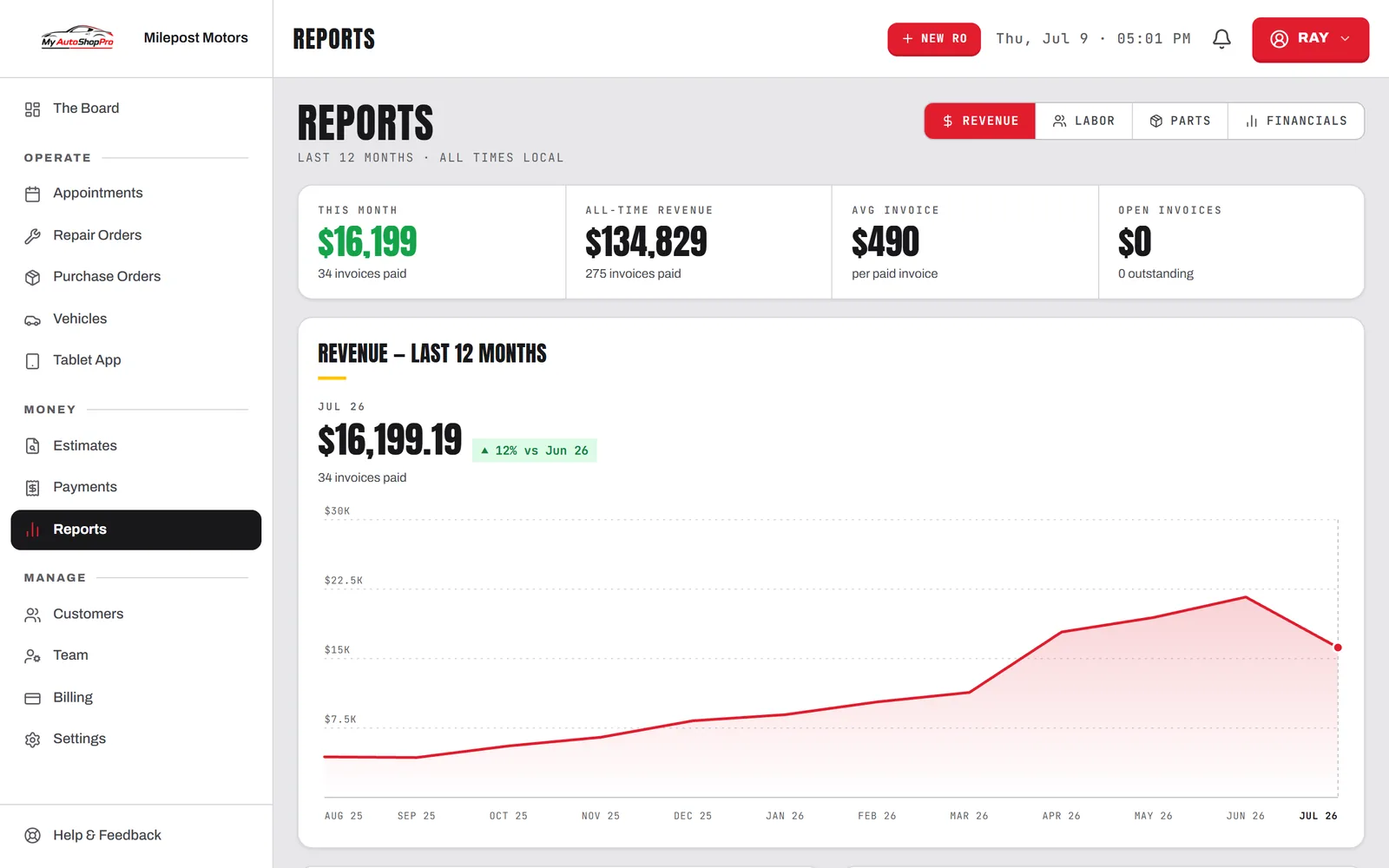
QuickBooks posting is a Business-plan feature, but the numbers themselves aren't locked up. Pro and Business include the built-in reporting and P&L, showing gross profit per repair order across labor and parts, plus tax collected per invoice. Shops on Pro generally hand those reports to their bookkeeper directly. See the automotive accounting features for the full picture, or the integrations page for everything else that connects, including Stripe, Square, Google Calendar, webhooks, and the REST API.
FAQ
Yes. MyAutoShopPro connects to QuickBooks Online through an official OAuth connection you authorize from your shop settings. Once connected, paid repair orders post automatically to QuickBooks as sales receipts, including line totals and collected tax, so your books stay current without anyone re-entering invoices.
QuickBooks Online. The integration uses Intuit's cloud API, so it works with QuickBooks Online company files. QuickBooks Desktop is not supported directly — desktop users typically keep using their existing workflow and hand their accountant our built-in reports instead.
Paid repair orders, posted as sales receipts with their totals and collected sales tax. Work that hasn't been paid for yet is not sent, which keeps your books from filling up with open tickets that may change. Nothing is pulled back out of QuickBooks into the shop system — the sync is one way, which keeps it predictable.
Most shops still want one, and the integration makes that relationship cheaper rather than replacing it. The point is that your bookkeeper stops spending billable hours re-keying repair orders and reconciling a shoebox, and starts working from a QuickBooks file that already reflects what the shop actually did.
QuickBooks sync is included on the Business plan. Pro includes the built-in accounting reports and P&L, so you can still see real profit per repair order and hand clean numbers to your accountant, but the automatic QuickBooks Online posting is a Business-plan feature. See the pricing page for what's on each plan.
Pro and Business include reporting you can export, so shops on Xero, Wave, or a spreadsheet workflow can still get clean totals out. If there's an accounting package you'd want connected directly, tell us on the contact page — integration priorities are driven by what shops actually ask for.
Connect to closed books
One OAuth handshake from settings connects your company file. It takes about five minutes and you only do it once.
Write repair orders, add parts, send invoices. Nothing about your day changes and there's no extra step to remember.
The moment a repair order is paid it syncs across as a sales receipt with the right totals and tax, once and never twice.
Your books are current because they were never behind. Hand your accountant a file that already balances.
Connect QuickBooks Online and let paid jobs post themselves, with the right tax, every time.